

TirageDN
Digital Negatives for non-QTR Printers

NEW FEATURES
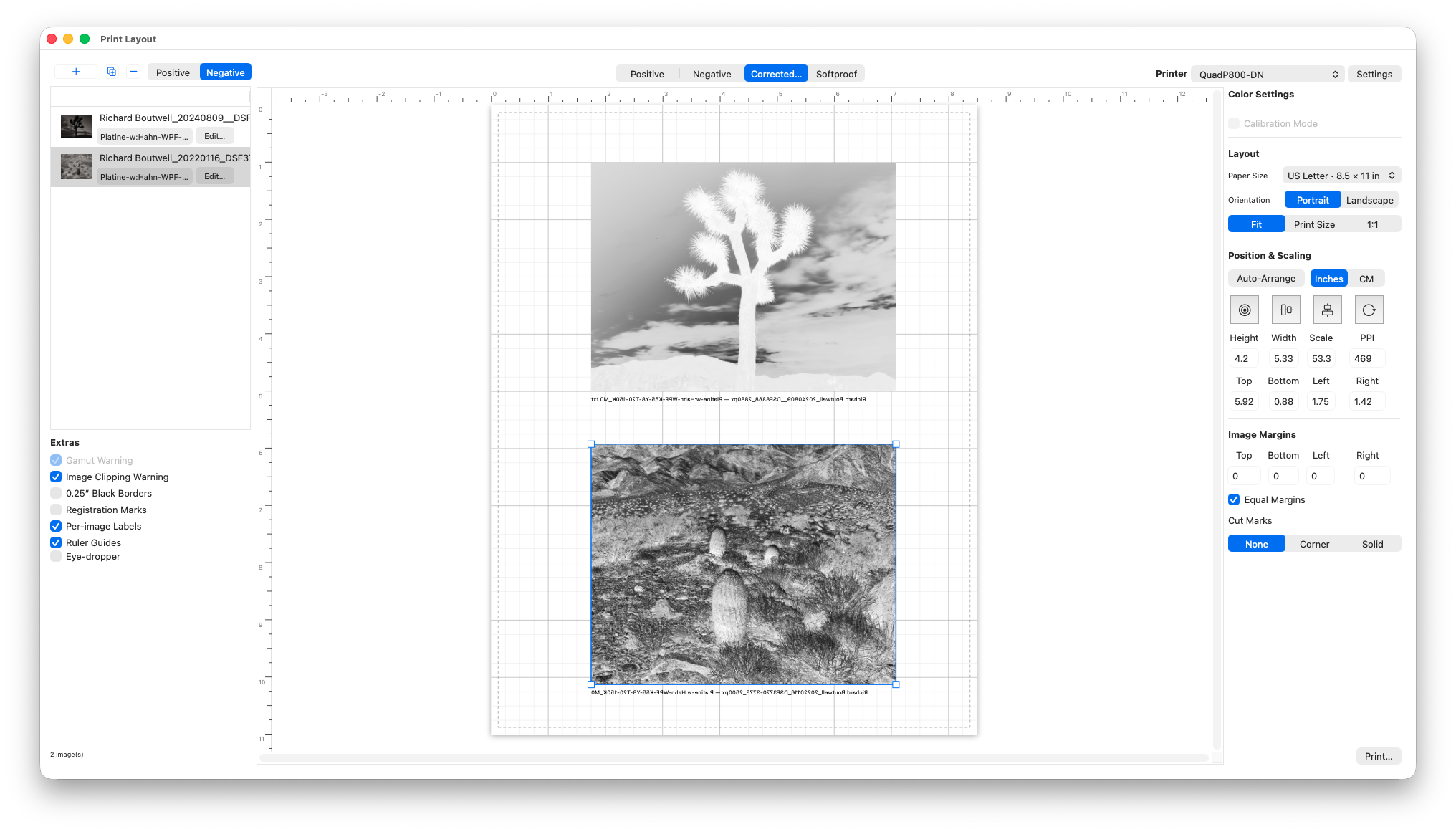
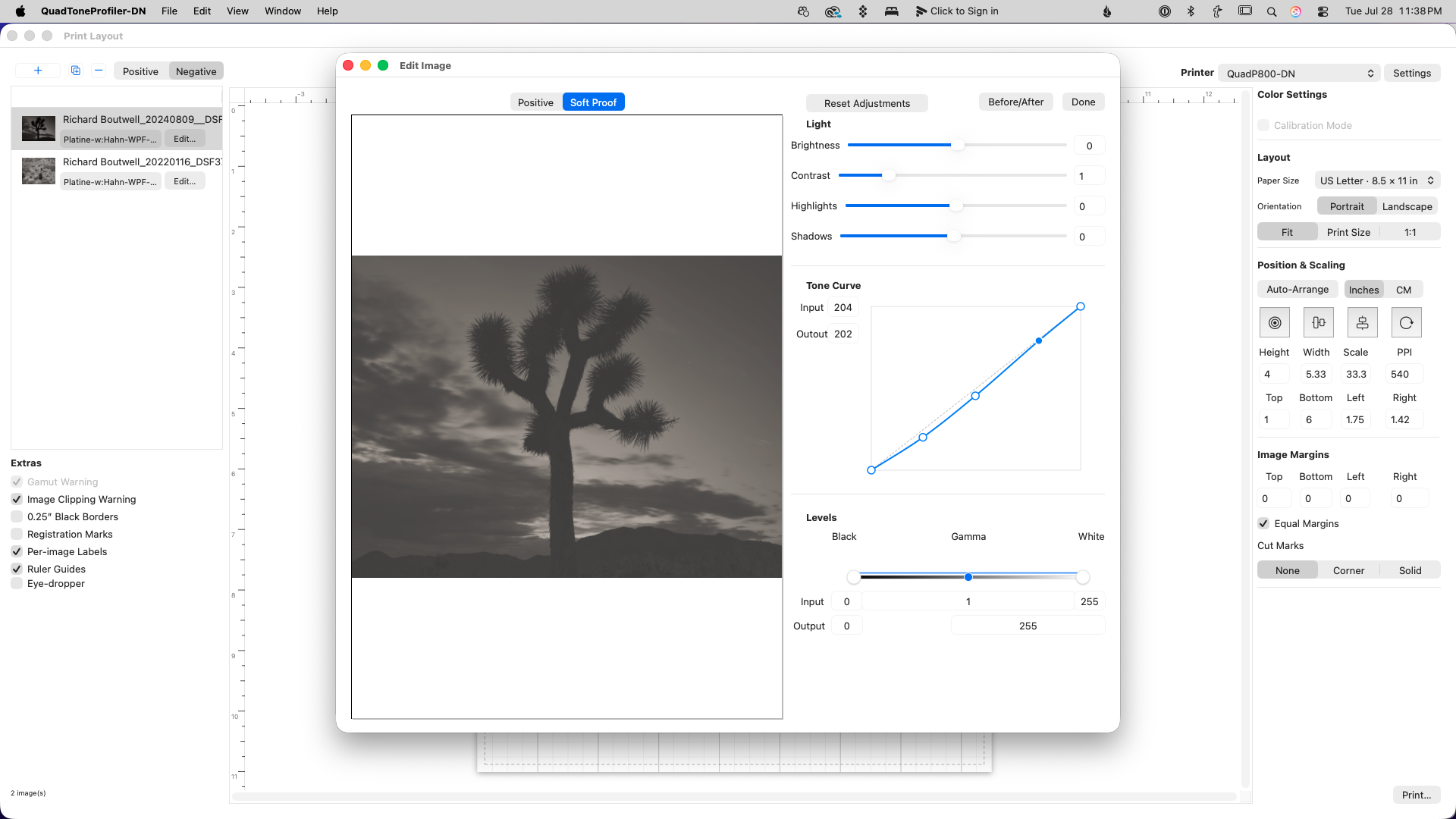
In-App layout and printing
Version 4 adds in-app printing with multi-image layout with a new correction and soft proof profile applied to your positive image. The new image editor allows you to fine tune individual images based on your soft proof profile without going back to Lightroom or Photoshop.
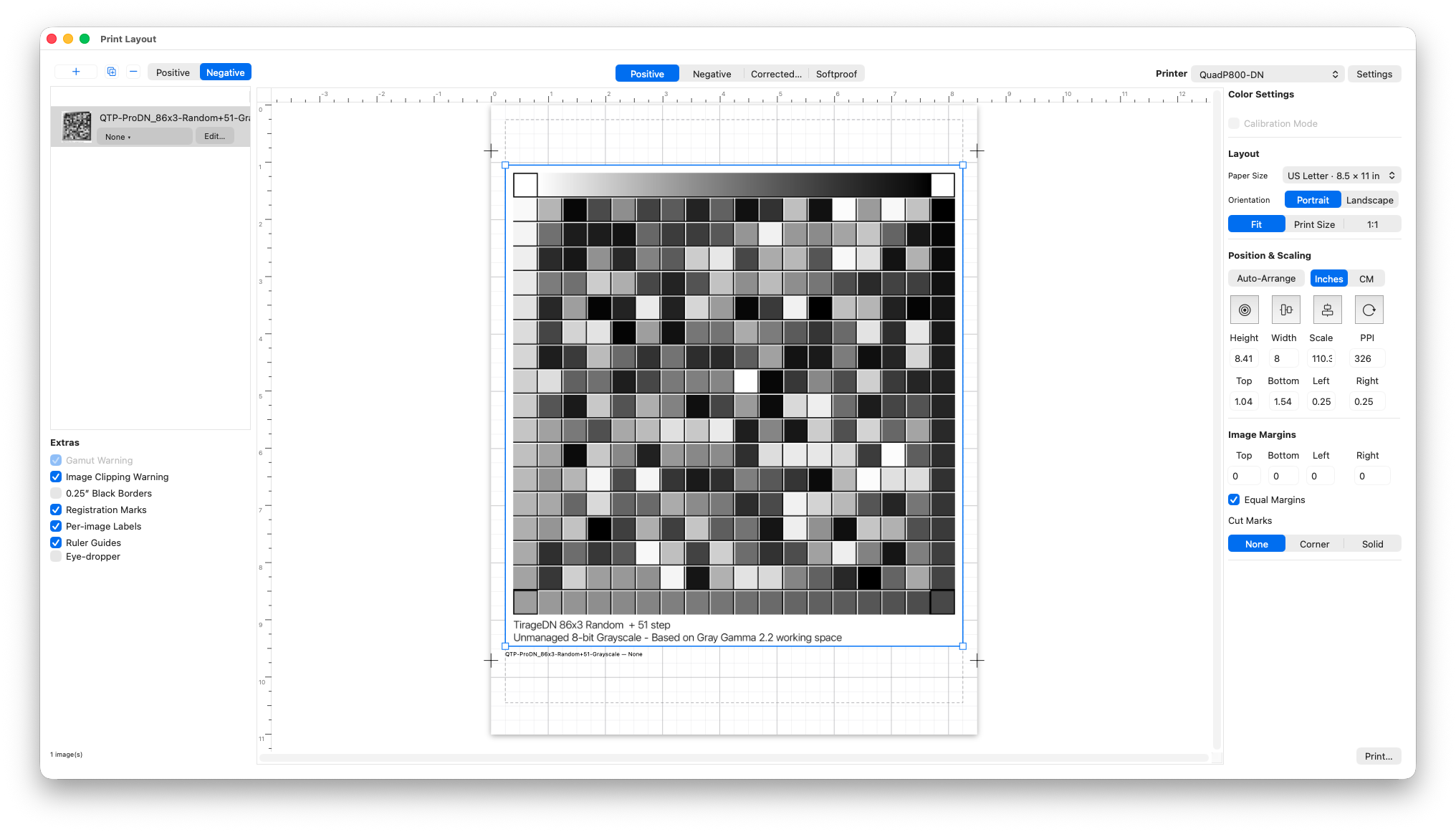
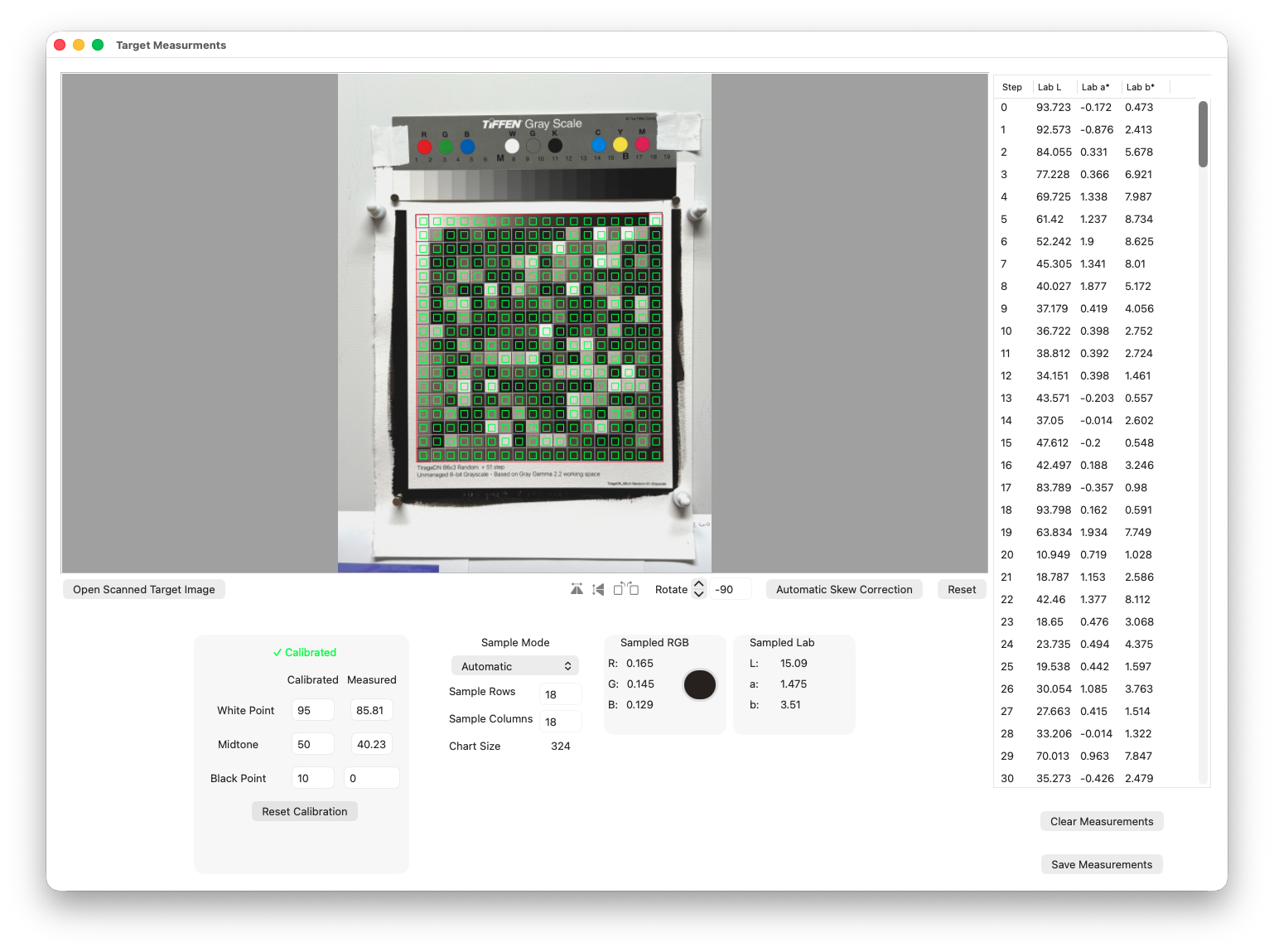
Measurement Chart Reader
Automatically record measurements from a scanned or photographed test chart. The new built-in 86x3 randomized target was optimized for digital camera measurements to compensate for slightly uneven lighting conditions. (for best results, use the built-in calibration step with a standard Kodak or Tiffen Q-13 grayscale target).
Advanced Linearization and Soft-proofing Tools
Measurement Editing and Smoothing
New measurements graphing view that lets you select and drag outlier measurements
New weighted moving average smoothing for better curve fitting based on the number of the original measurements
Ink channel smoothing in the linearized .quad curves for even smoother tonal transitions
Output Density Rendering Intents
Linear Lab L*
Uses a standard straight line for evenly-spaced tonal steps
Perceptual Rendering w/ BPC
Adds a slight contrast curve based on the density range of the original measurements for a better screen-to-print match
Spot Color Tone Value Correction
Primarily used for linearizing KCMY+ separations for multi-layer gum, carbon, or gravure
Manual Curve Controls
Gives the ability change the shape of the output curve or add a saved Photoshop .acv curve file (using a grayscale or composite RGB values)
Export Options
TirageDN .tdn files new in v4 and compatible with QuadToneProfiler-DN v4
Correction curve and soft proof applied to your image in the print-layout and printing
Photoshop .acv or .cube presets for correction curves and ability to use non-QTR compatible printers
Photoshop RGB .acv curve or .cube LUTs presets for soft-proofing the measured color values or the final linearized color values with
QTP Lab measurement .txt files for smoothed and interpolated 256-step data
System Requirements
Native macOS version requires macOS 10.13 (High Sierra) or later
Inkjet or laser printer
Inkjet receptive transparency material
Linearization
Supported Printers
Any printer when using the .tdn files for in-app printing or Photoshop .acv or .cube layers for the correction curve.
Supported Measurement Devices
i1 Pro
ColorMunki/i1 Studio
SpyderPrint
iOS Bluetooth enabled colorimeters (DataColor EZReader and similar)
Manual densitometers
Reflective flatbed scans
i1 Phone or digital camera
Supported Measurement file formats
CGATS .txt
ArgyllCMS .ti3
SpyderPrint .txt
ColorMunki .csv
QTR-Linearize Data -out.txt
DataTool .txt or .csv
Single Column L* or logD density measurements (all supported stepwedge size targets)
Manually entered L* or log D density measurements (21-step targets)